
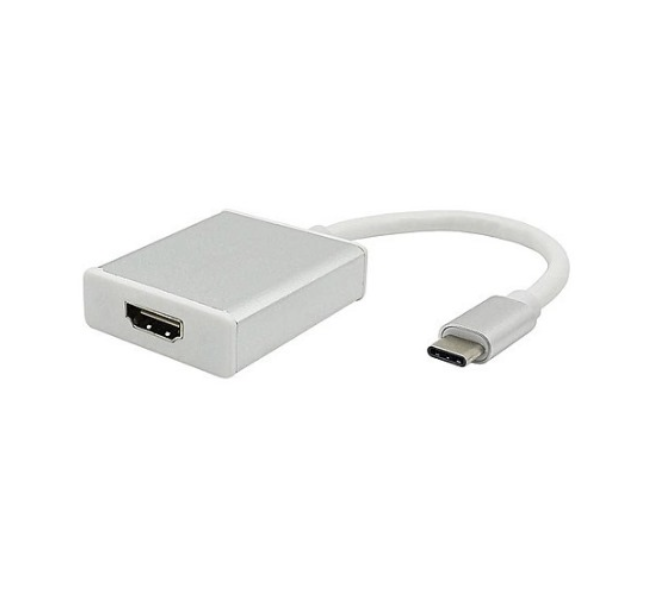
Mediatech Kabel Type C to HD
$11.16
Mediatech Type C to HD Cable
Item Type: USB Type C to HD Adapter
Usage Method:
1. Plug the USB-C male interface of the adapter into the USB-C female interface of your laptop/smartphone.
2. Plug the HD cable into the HD female interface of the adapter and into your monitor/TV/projector. Of course, an HD cable (NOT included) is required
Related products

$16.51



$240,000.00
